Blog · September 23, 2026 · Guides
Find your property PIN number (and tell it from APN / tax ID)
To find a property PIN number, you usually read it from a tax bill, assessor card, or county GIS popup — then reuse it everywhere else. Confusion starts when counties also print APNs, folio numbers, account numbers, and “tax IDs” that are not the same field. This guide separates those labels and shows where to look.
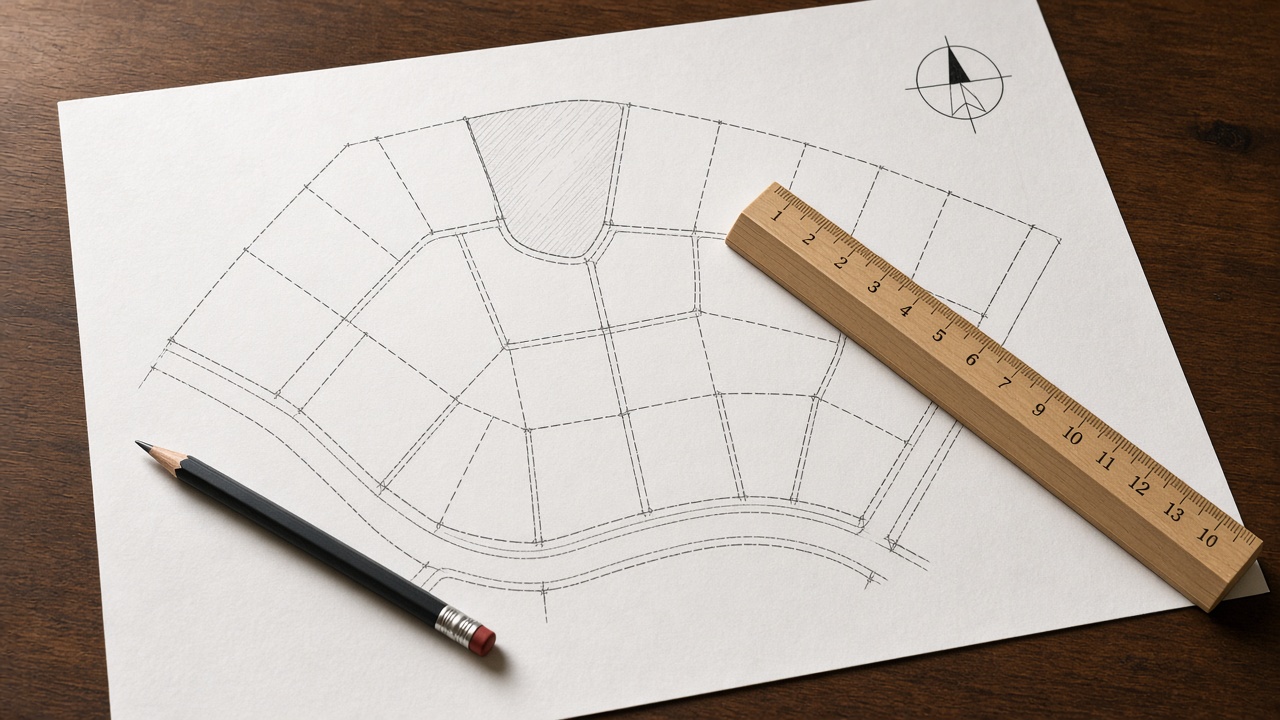
Platbookmapper is an Amazon Associate. If you buy through an Amazon link on this page, we earn a commission. The link is a product, not the county map.
What a PIN is
PIN means Parcel Identification Number: the assessor’s key for one tax parcel. It may be numeric, hyphenated, or mixed. Inside one county it should uniquely identify the lot (until a split/combine retires it). People also say “parcel number” for the same idea.
PIN vs APN vs tax ID vs account number
- PIN — common label in many Midwest and Eastern counties.
- APN — Assessor’s Parcel Number; same job, different branding (frequent in Western states).
- Folio / SBL / tax map ID — regional naming for the parcel key.
- Account / customer / party ID — often identifies the taxpayer or bill account, not the geometry.
- Receipt or ticket numbers — payment ephemera; useless in GIS search.
Rule of thumb: the number that opens the parcel in GIS and matches the assessor property card is your PIN/APN. When two long numbers appear on a bill, try each in parcel search — the GIS key wins. Deeper vocabulary: APN / PIN primer.
Where to find the PIN
- Property tax bill / assessment notice — look for PIN, Parcel, APN, or Parcel ID near the top.
- Assessor property card — search by address, then copy the ID field.
- County GIS parcel viewer — Identify the lot; the popup shows the PIN.
- Deed / closing package — many modern deeds reference the tax parcel number.
- Listing or appraisal — verify on the county site; typos are common.
If the bill is in hand, follow PIN on tax bill → parcel viewer for a short map path.
Open the PIN on the county map
- Find the county on Platbookmapper.
- Open the GIS viewer’s Parcel / PIN search.
- Paste with original hyphens; retry stripped if needed.
- Confirm the highlighted polygon and save a screenshot.
No PIN yet? Run a parcel ID lookup by address first, then return here.
Common PIN mistakes
- Using the account number in a parcel search box.
- Dropping leading zeros.
- Searching County A’s PIN in County B’s app.
- Assuming a condo unit’s mailing label equals the tax PIN.
- Treating a retired pre-split PIN as current.
Find the parcel for your PIN on the map
Not a survey. A PIN identifies a tax parcel in county systems. County GIS maps tied to that PIN are not surveys and should not guide fences, setbacks, or boundary disputes.
Photographing a bill without losing digits
Glare and folds hide hyphens. Flatten the bill, shoot square-on, and immediately type the PIN into a note while comparing character by character. If the bill uses a barcode, that barcode may encode an account number rather than the parcel PIN — still read the printed Parcel/PIN label. After typing, paste into the county search to confirm a hit before you travel or call offices.
How labels shift by region
Western assessors lean “APN.” Illinois and other Midwestern counties lean “PIN.” Florida users see “folio.” New York City and some counties use borough-block-lot or SBL patterns. The lookup behavior is identical: find the county’s parcel key, paste it into parcel search, confirm the polygon. Learning the local synonym prevents searching the wrong field on a crowded tax bill.
PINs and privacy
PINs are public record identifiers, not passwords. Still, avoid posting full tax bills online with account numbers and balances visible. When sharing research, share county + PIN + situs rather than an entire scanned bill. If a county redacts owner names, the PIN still works for map geometry and many non-owner attributes.
After you confirm the PIN
Store it with the county name in your property file. Use it to reopen GIS layers months later, to request records, and to speak precisely with planners. If a future letter cites a different number, investigate splits or renumbering before assuming a clerical typo. Your confirmed PIN is the spine of every later parcel-finding task on that lot.
PINs on older printouts and microfilm
Legacy printouts may use discontinued hyphenation or book-and-page tax map references. Bring those to the assessor search and also try map Identify at the described location. Staff can often translate an old map reference into the modern PIN; having both the paper copy and a GIS screenshot speeds that conversation.